Navigation Unit DVD-ROM Replacement
Navigation Unit DVD-ROM Replacement
| 1. | Turn the ignition switch ON (II). |
| 2. | Push the open key (A) of the AVN unit, then open the front panel.
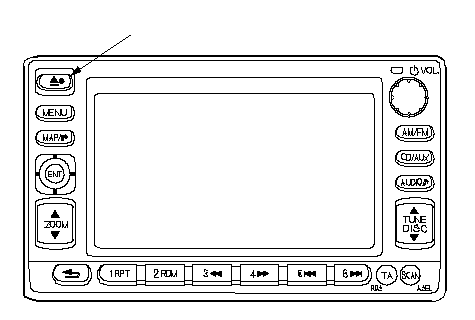 A A |
| 3. | Push the DVD EJECT switch (B), then remove the DVD-ROM.
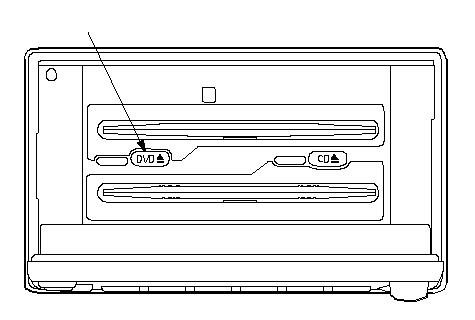 B B |
| 4. | Insert the new DVD-ROM. |
| 5. | Close the front panel. |