|
LKAS Camera DTC 4:
Lost Communication with LKAS Control Unit
LKAS Camera DTC 5:
Reception Error with LKAS Control Unit
-
-
Turn the ignition switch to LOCK (0), then turn it to ON (II).
-
Watch the LKAS indicator.
|
Does the LKAS indicator come on?
|
-
|
YES
|
-
|
|
|
NO
|
-
|
Troubleshoot the indicated DTC.■
|
-
Check the No. 1 (7.5 A) fuse in the driver's under-dash fuse/relay box.
|
YES
|
-
|
|
|
NO
|
-
|
Replace the fuse, go to
Step 6
.
|
-
Turn the ignition switch to LOCK (0).
-
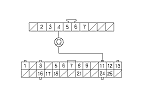
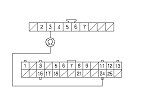
Disconnect the LKAS camera 10P connector and LKAS control unit 26P connector.
-
Turn the ignition switch to ON (II).
-
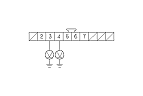
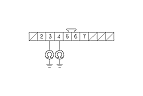
Measure the voltage between body ground and the LKAS camera 10P connector No. 3 and No. 4 terminals individually.
|
Is there battery voltage?
|
|
YES
|
-
|
Repair short to power in the wire between the LKAS camera and LKAS control unit.■
|
|
NO
|
-
|
|
-
Turn the ignition switch to LOCK (0).
|